
Interior concepts that read like an editorial spread.
Upload a room, pick a direction, and get photorealistic redesigns in seconds. Built for homeowners, real estate teams, and design agencies.
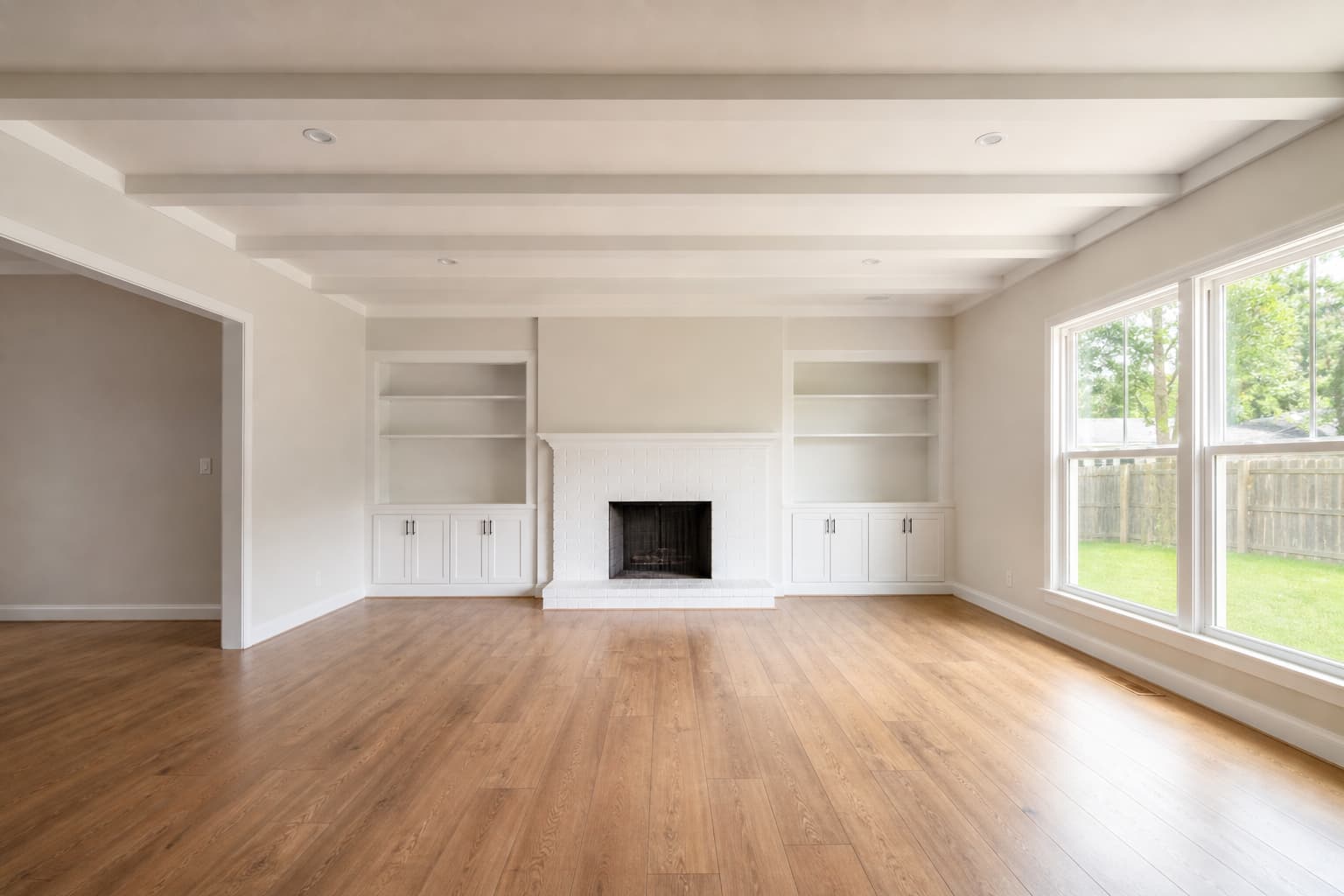
Lighting
Diffuse daylight
Kept architectural shell, softened light
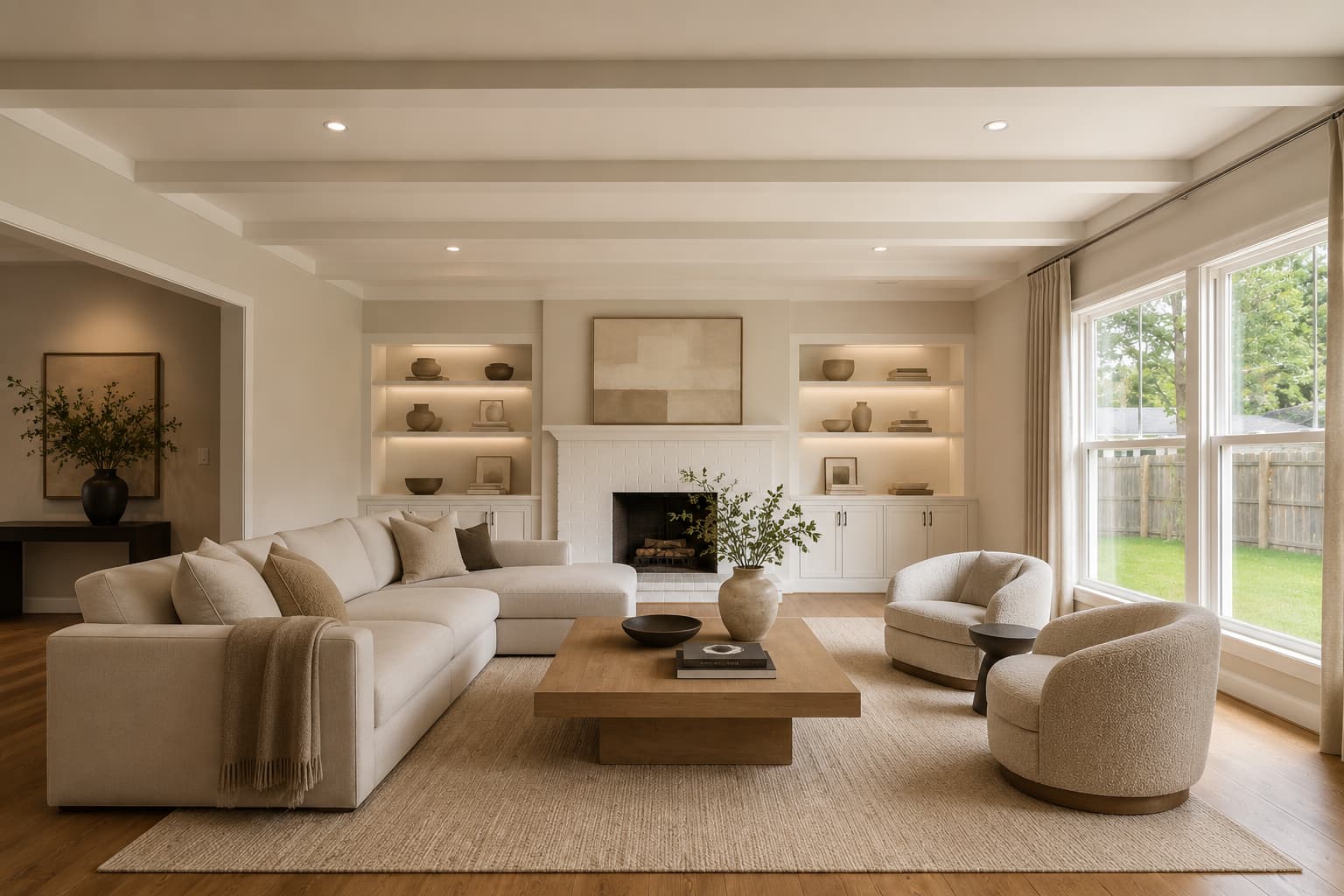
Lighting
Warm editorial glow
Quiet luxury with warmer materials
Output
3 directions
Speed
Under 1 min
Use
Listing to client
Visual proof
Show the product before telling the story.
Large imagery, crisp editorial type, and a slower rhythm — so the page feels curated, not assembled from SaaS blocks.
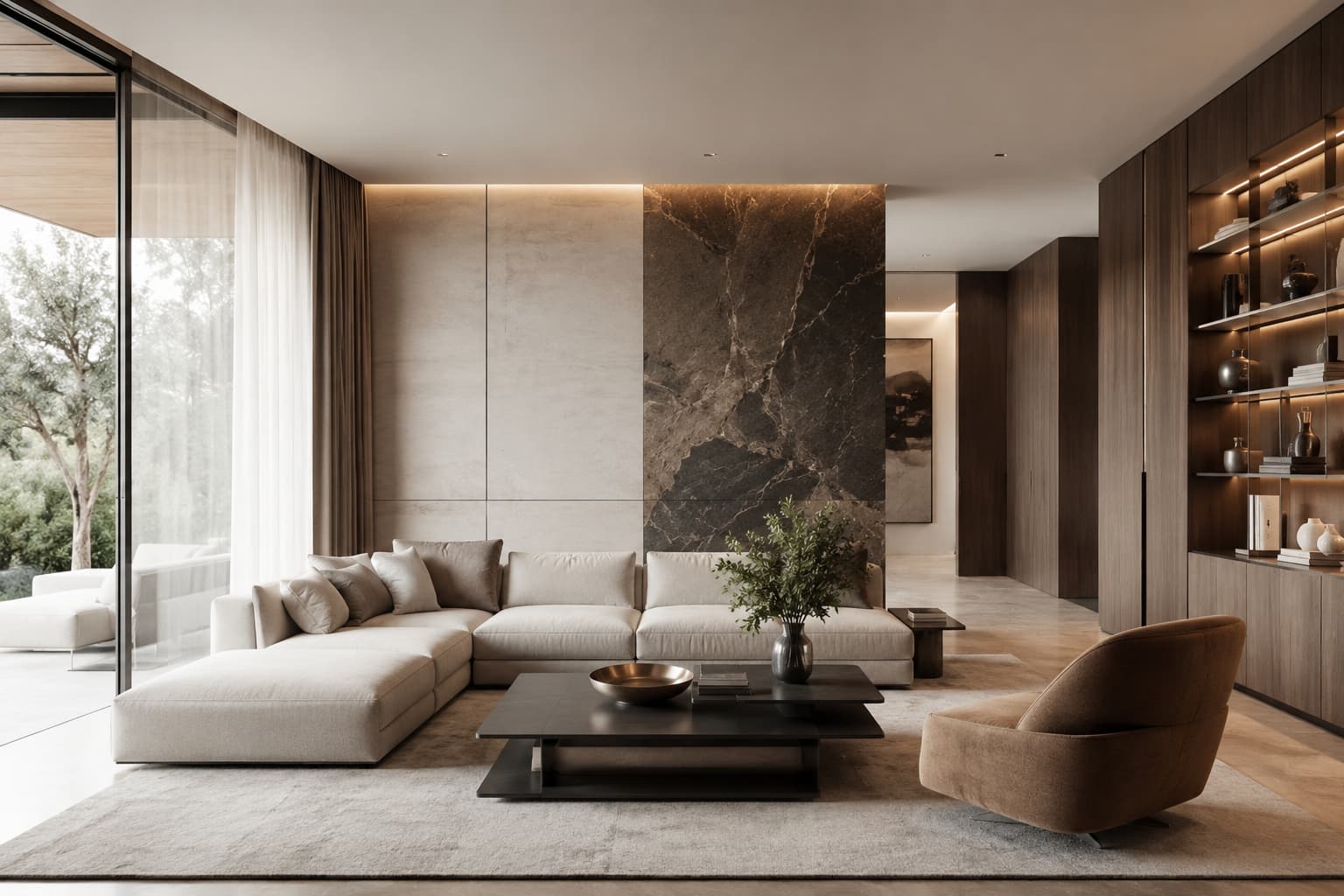
Before / after / style
Gallery spread
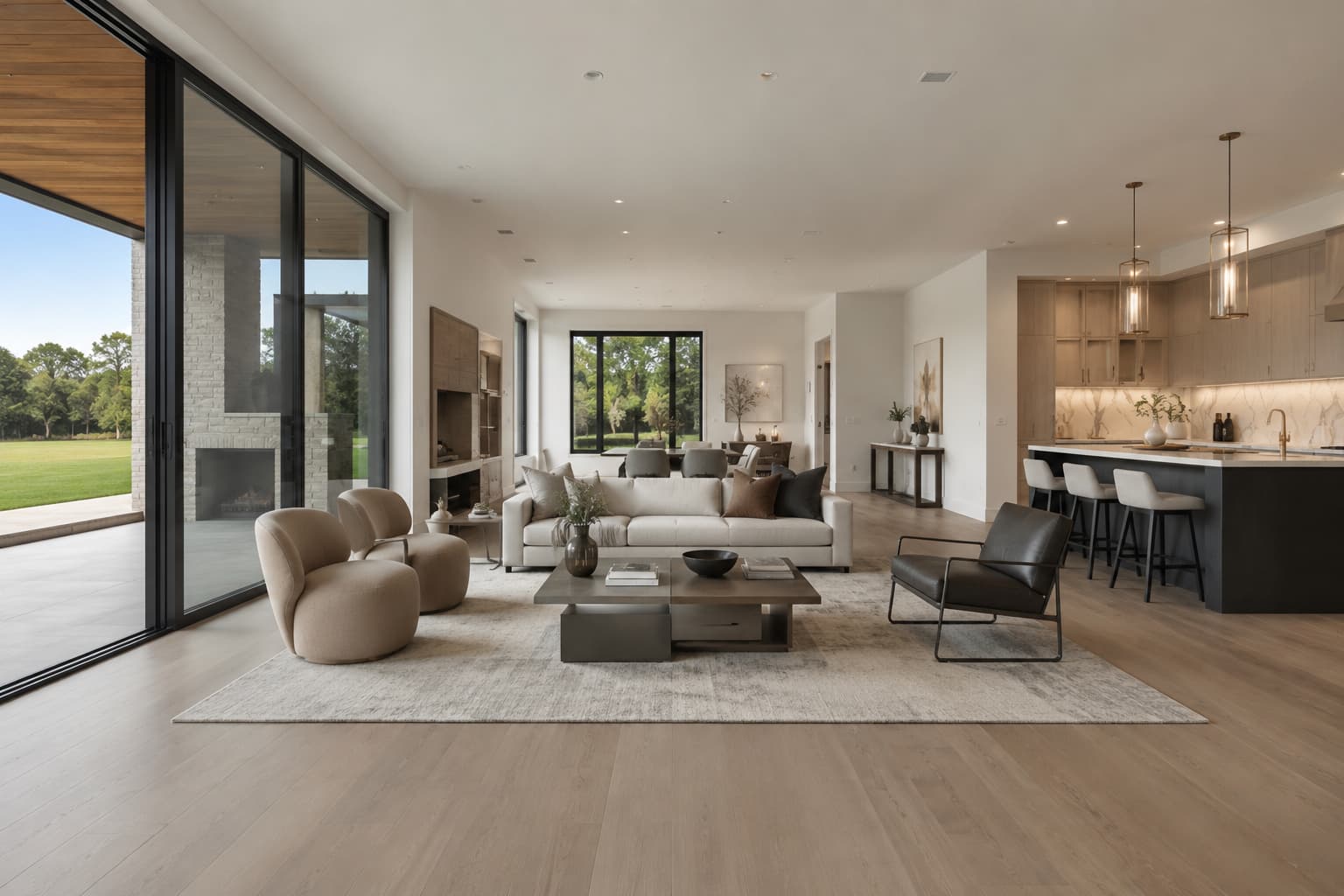
Empty room to furnished
Staging proof
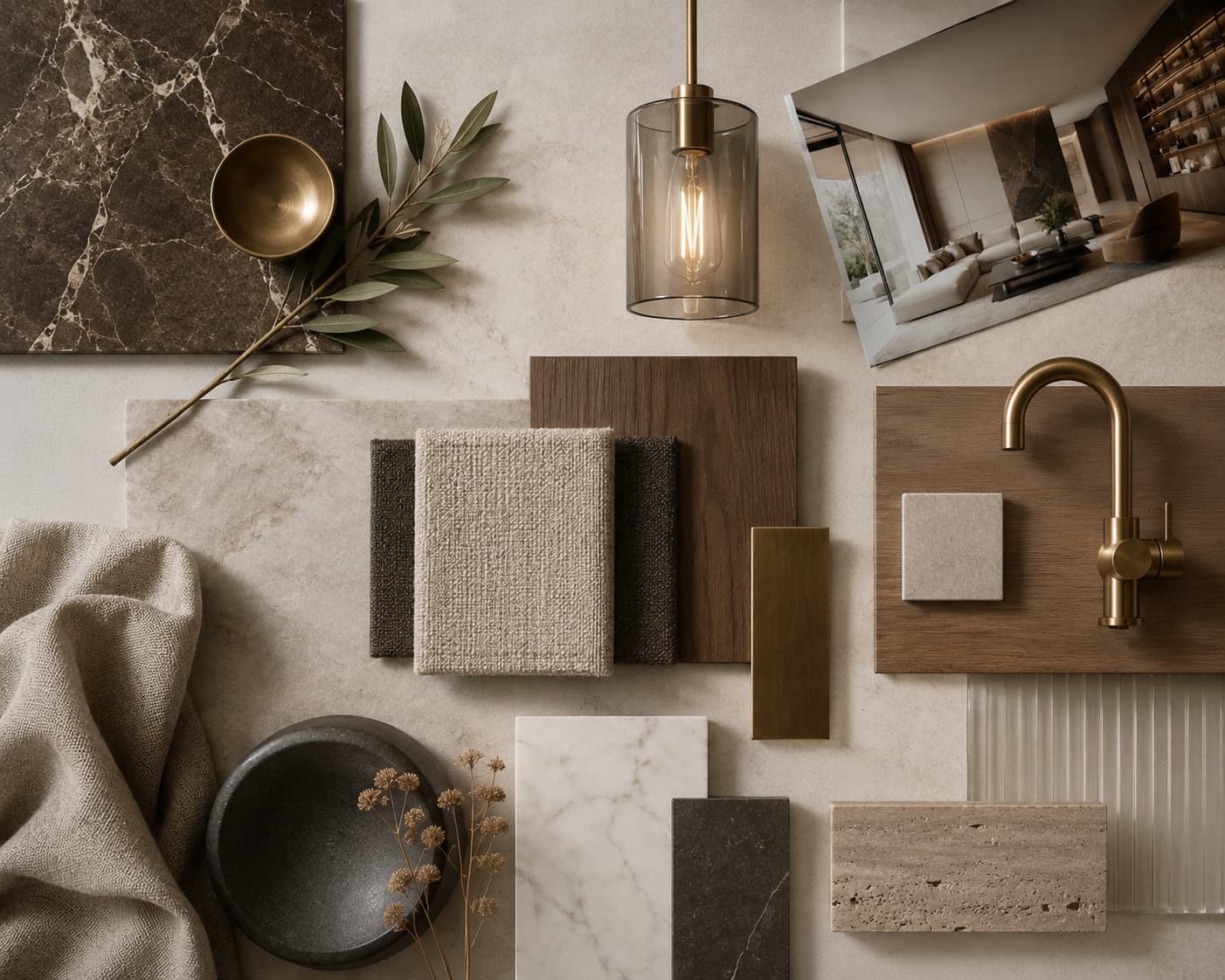
Quiet luxury / Japandi / editorial
Style atlas
Signature flows
Three ways the product earns trust.
01
Virtual staging that respects the room
Keep the architecture. Replace emptiness with believable furnishings.
Useful for listings, brochures, and client approvals. The result reads like a photographed interior, not a filter pass.
Reference
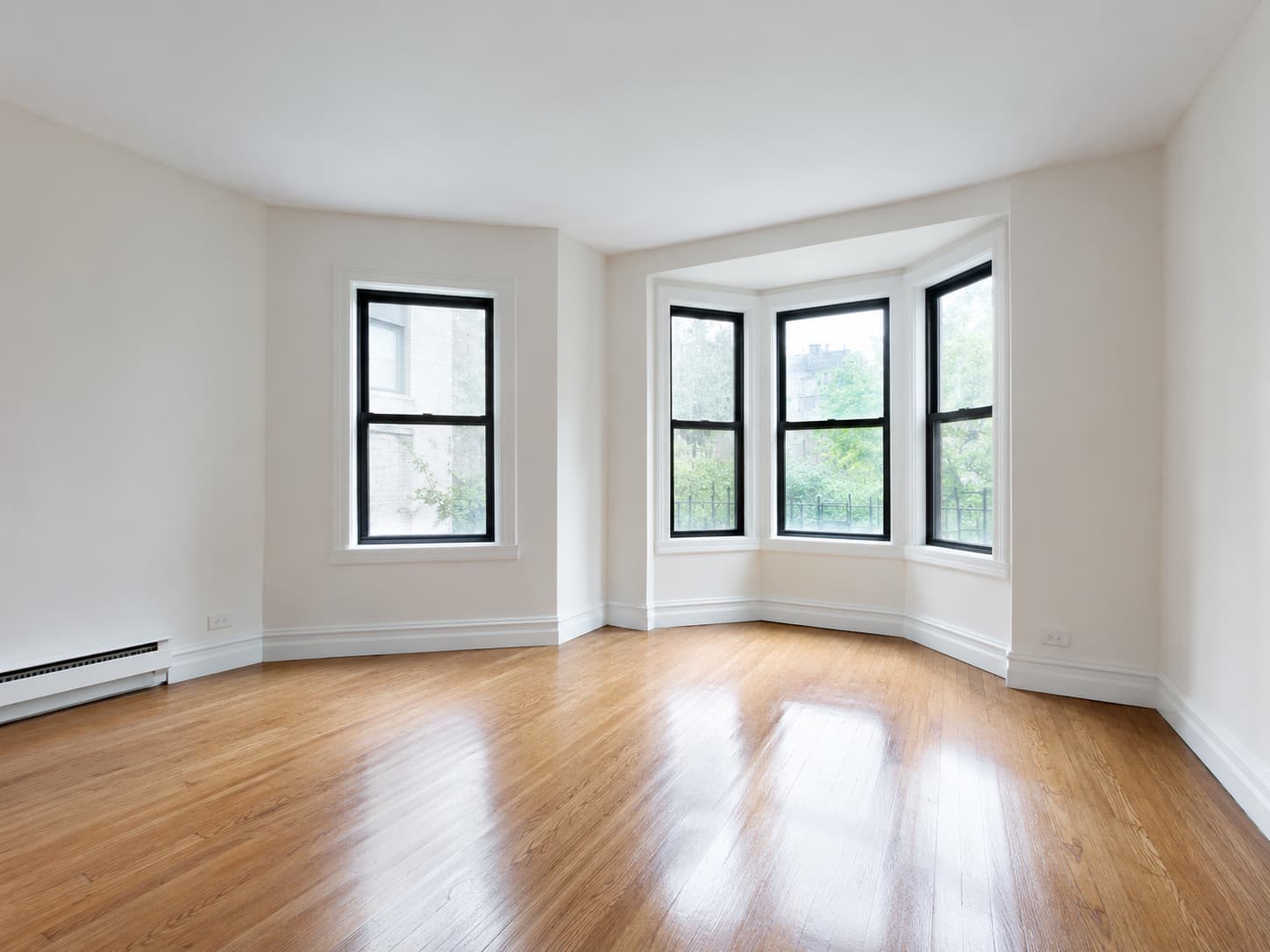
Original room and structural cues
Concept
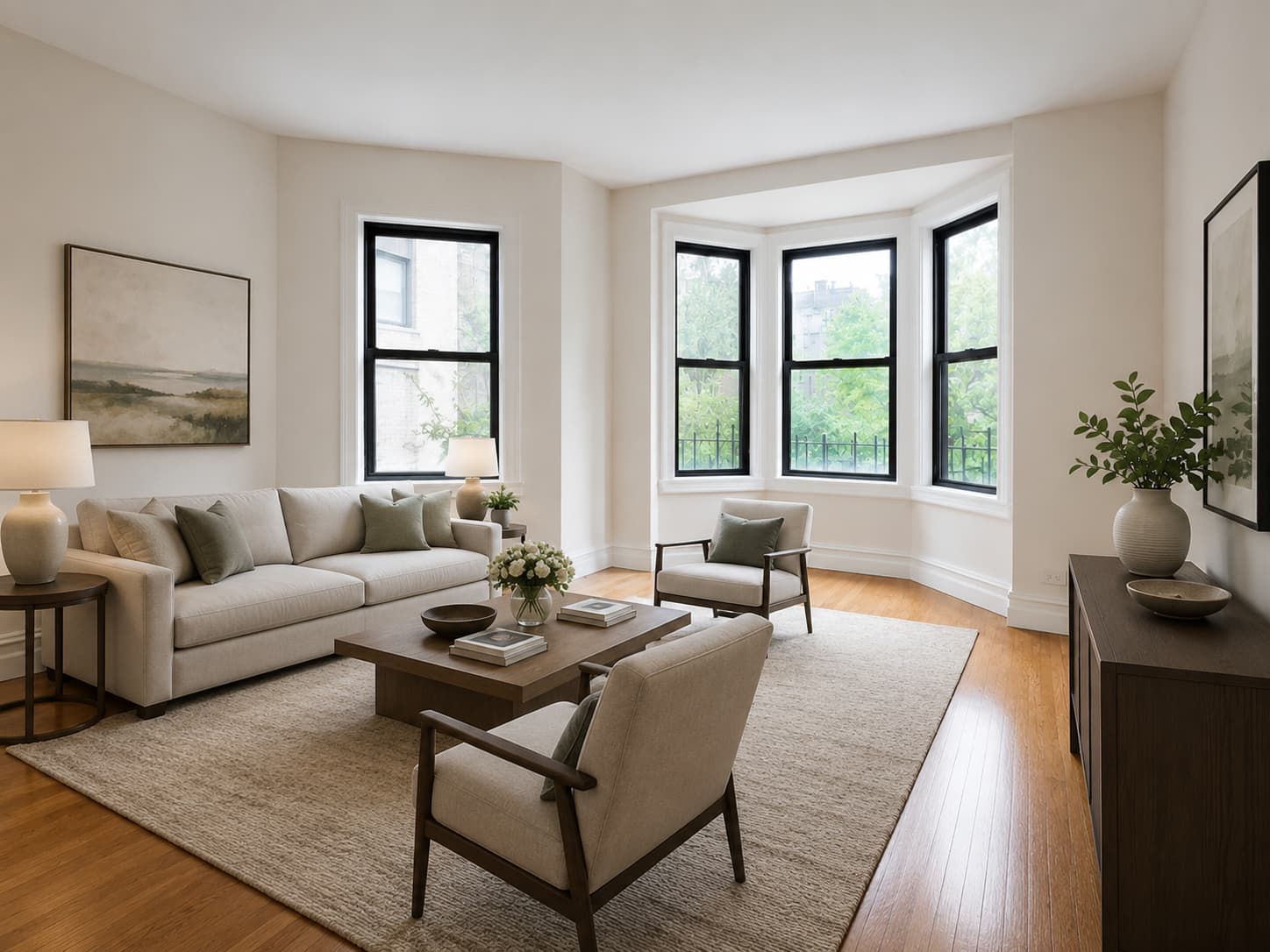
Variant 1
High-end material direction and styling
02
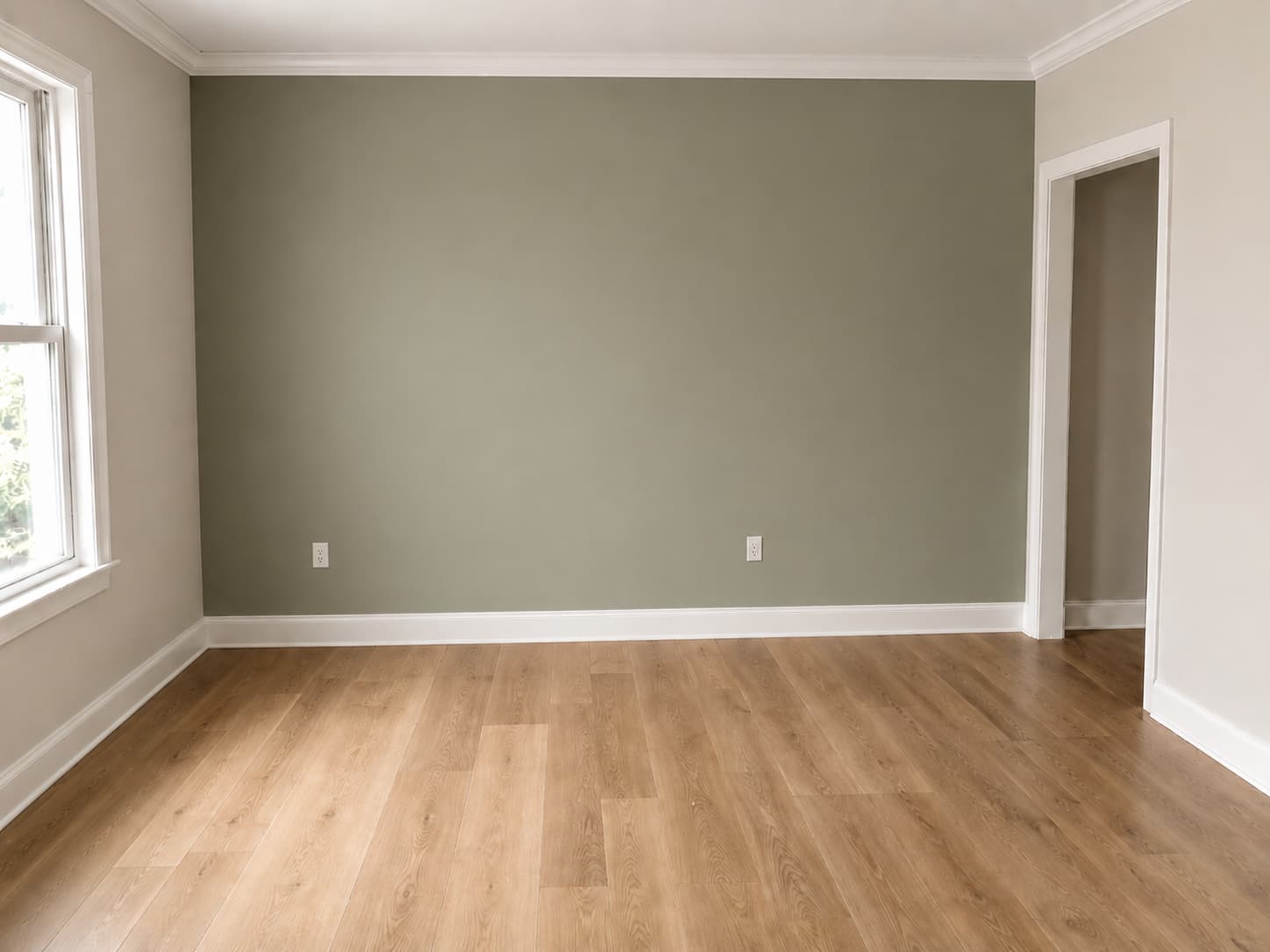
A repaint and material pass with taste
Test color, tone, and texture without losing the original composition.
Show a painted wall, a new floor, or a more expensive material story in minutes. Iterate until the space feels believable and elevated.
Reference
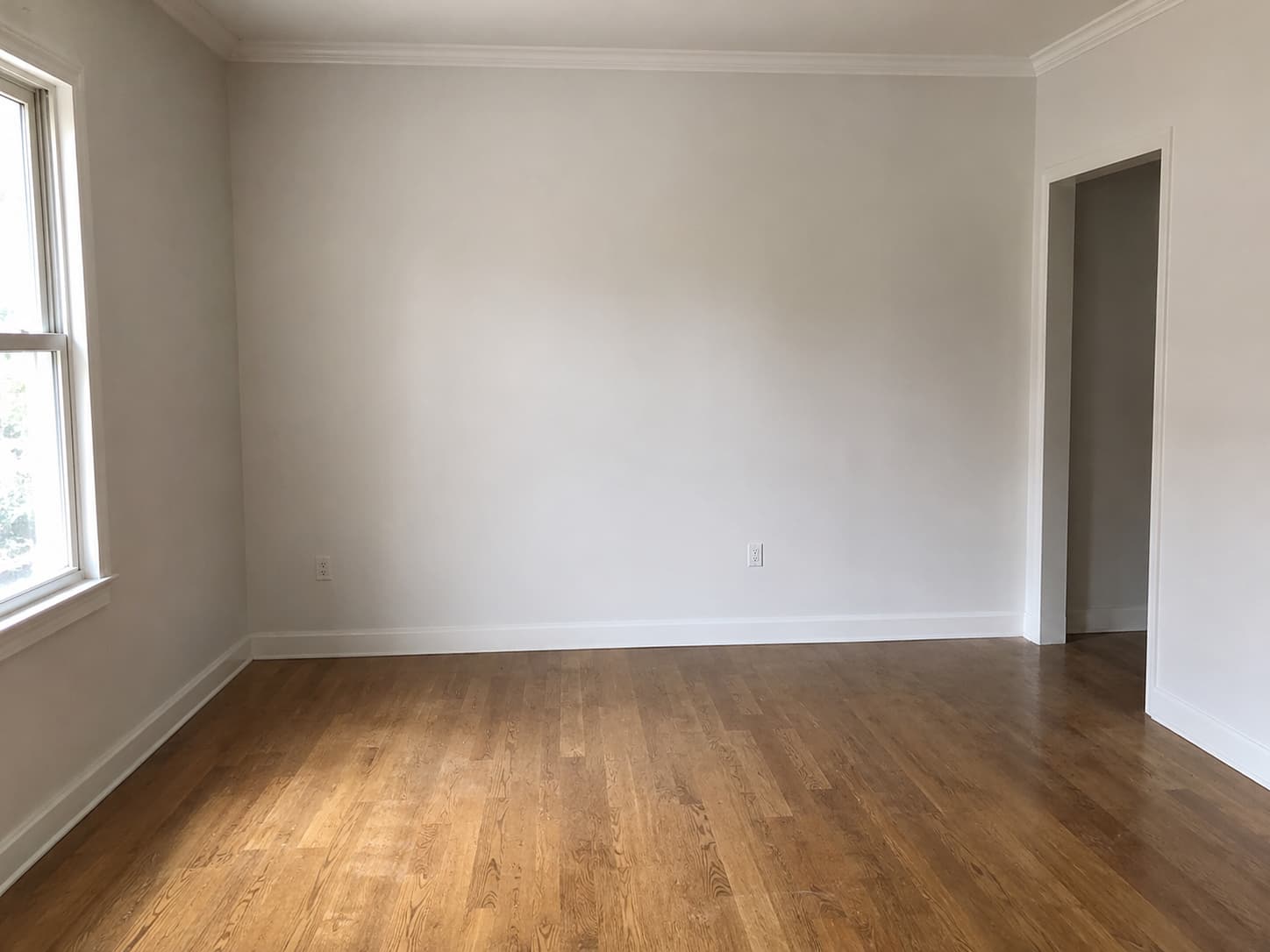
Original room and structural cues
Concept
Variant 2
High-end material direction and styling
03
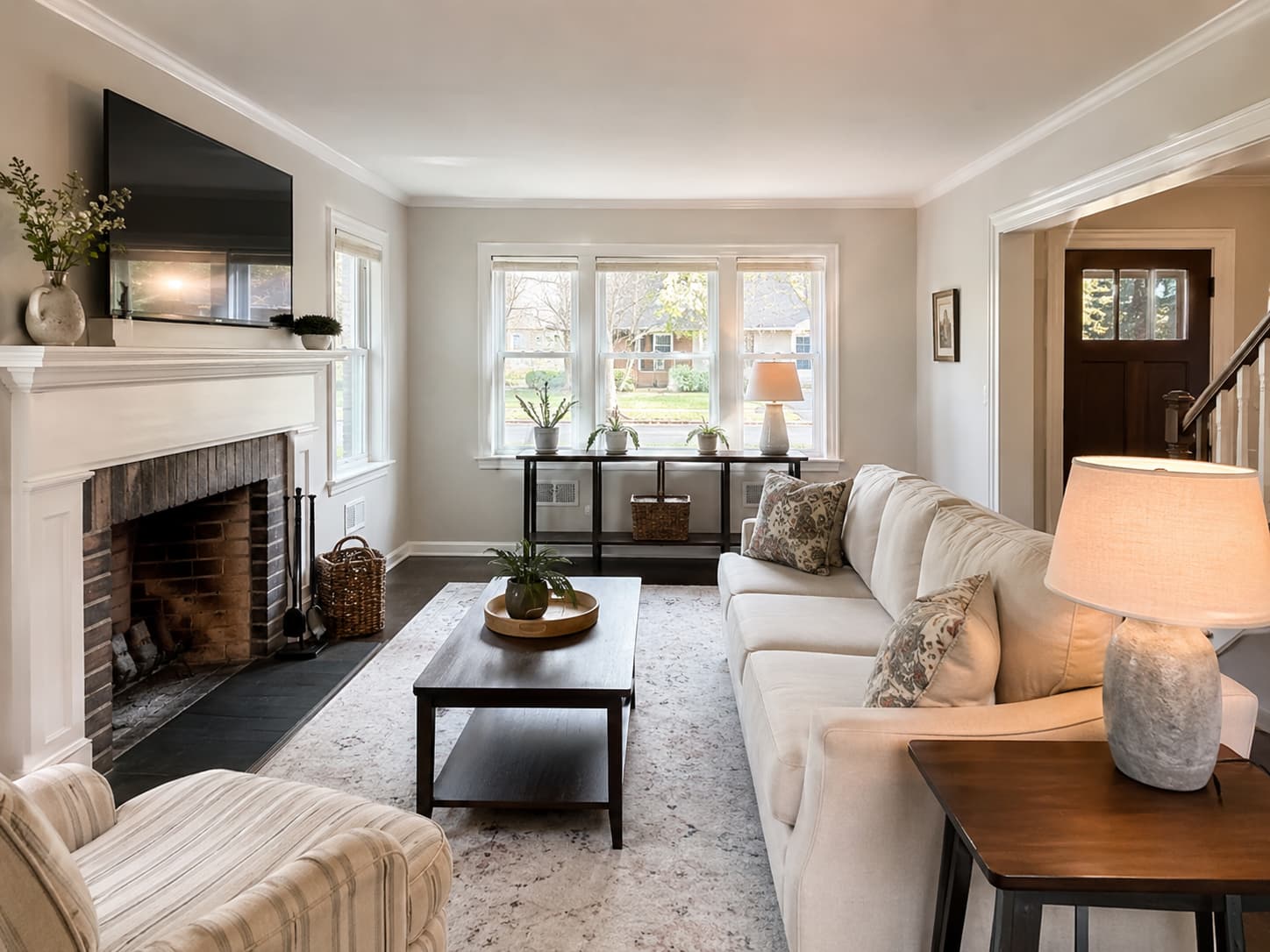
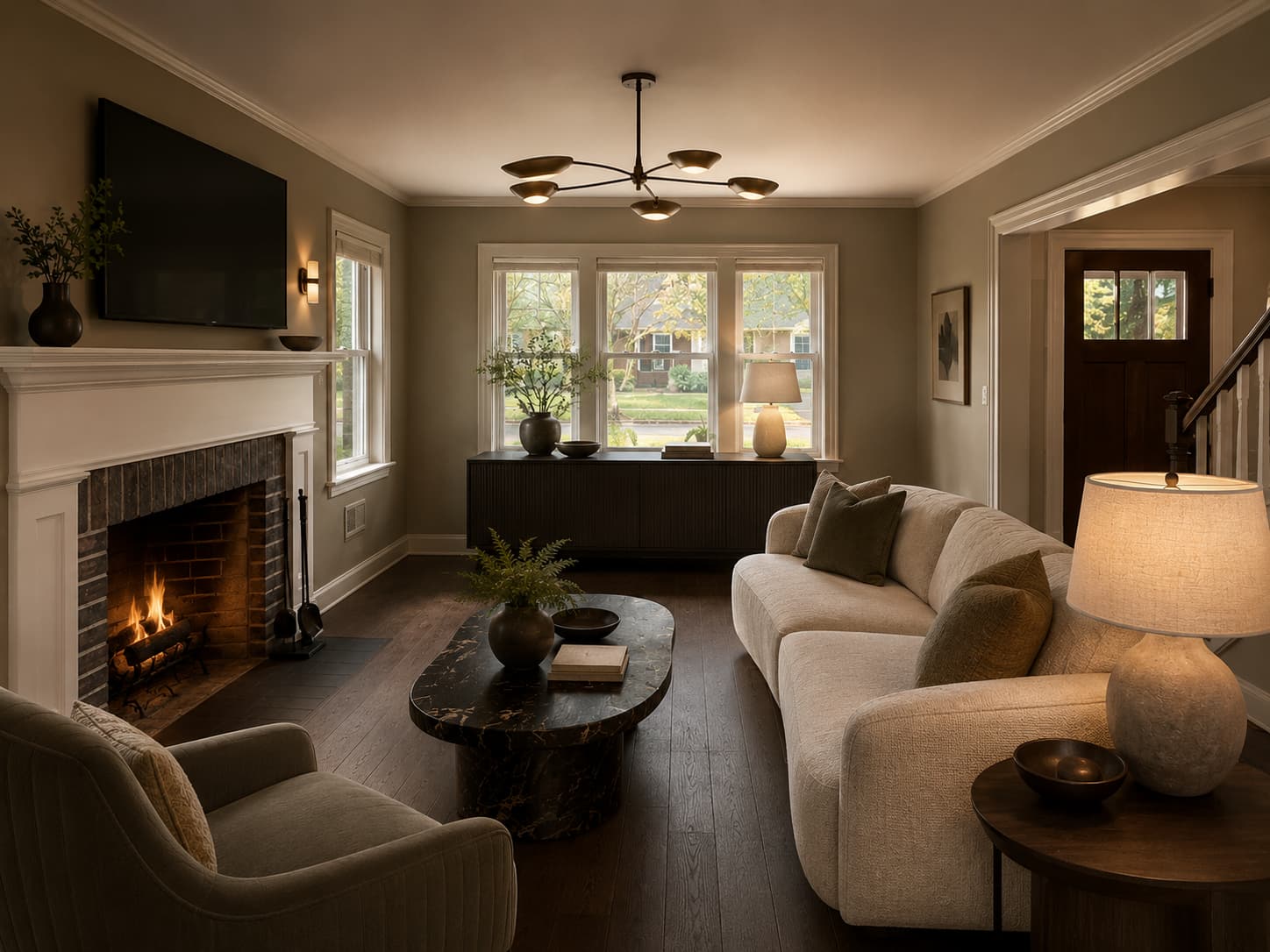
Complete redesigns from a single photo
Swap furniture, lighting, and mood while keeping proportion intact.
For homeowners and designers who want direction, fast. Produce multiple compositions and choose one with confidence.
Reference
Original room and structural cues
Concept
Variant 3
High-end material direction and styling
Style atlas
One direction. Many calibrated moods.
Style selection should feel like browsing a finished magazine, not filling out a form.
Style 1
Quiet Luxury
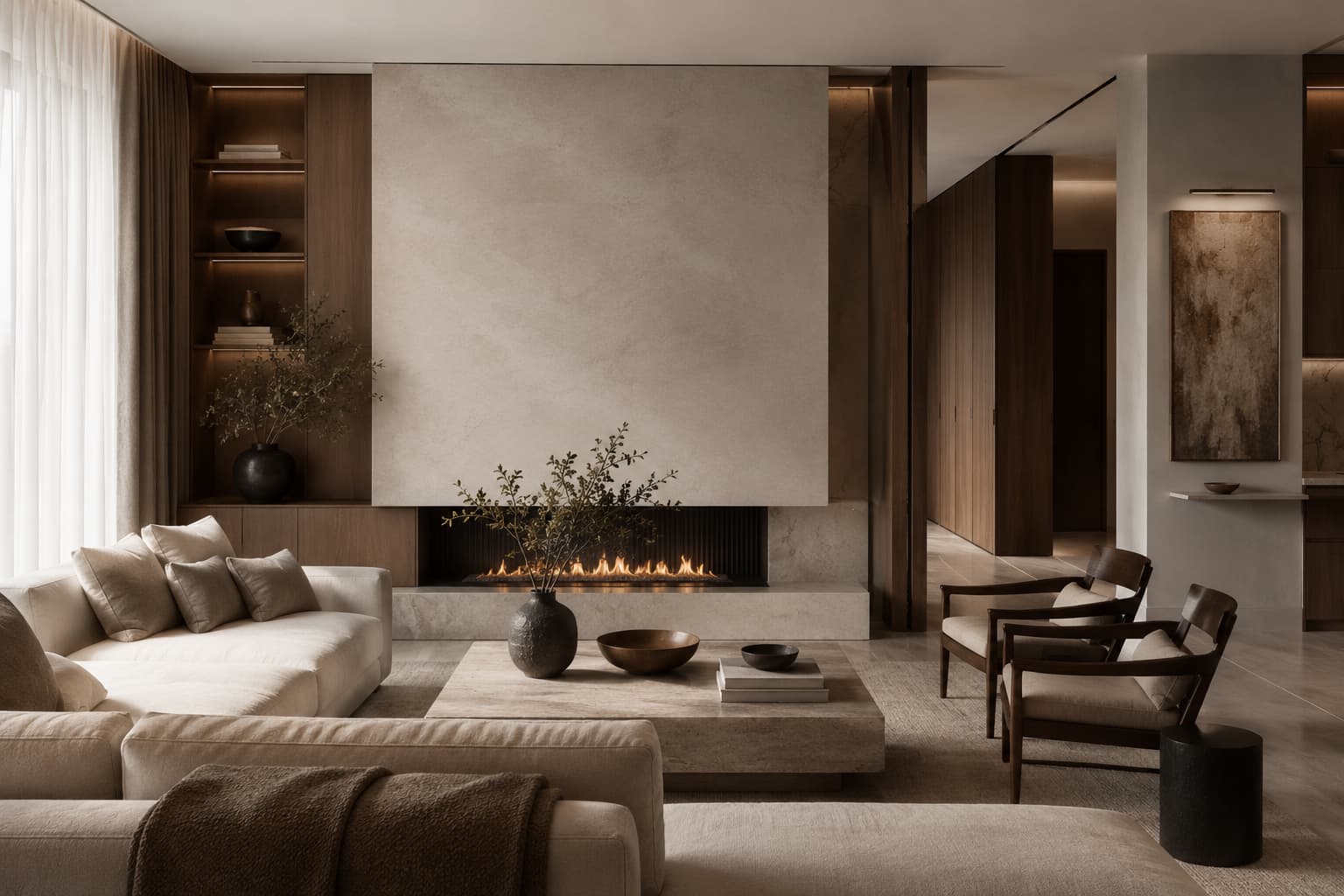
Layered neutrals, soft contrast, custom joinery
Style 2
Japandi
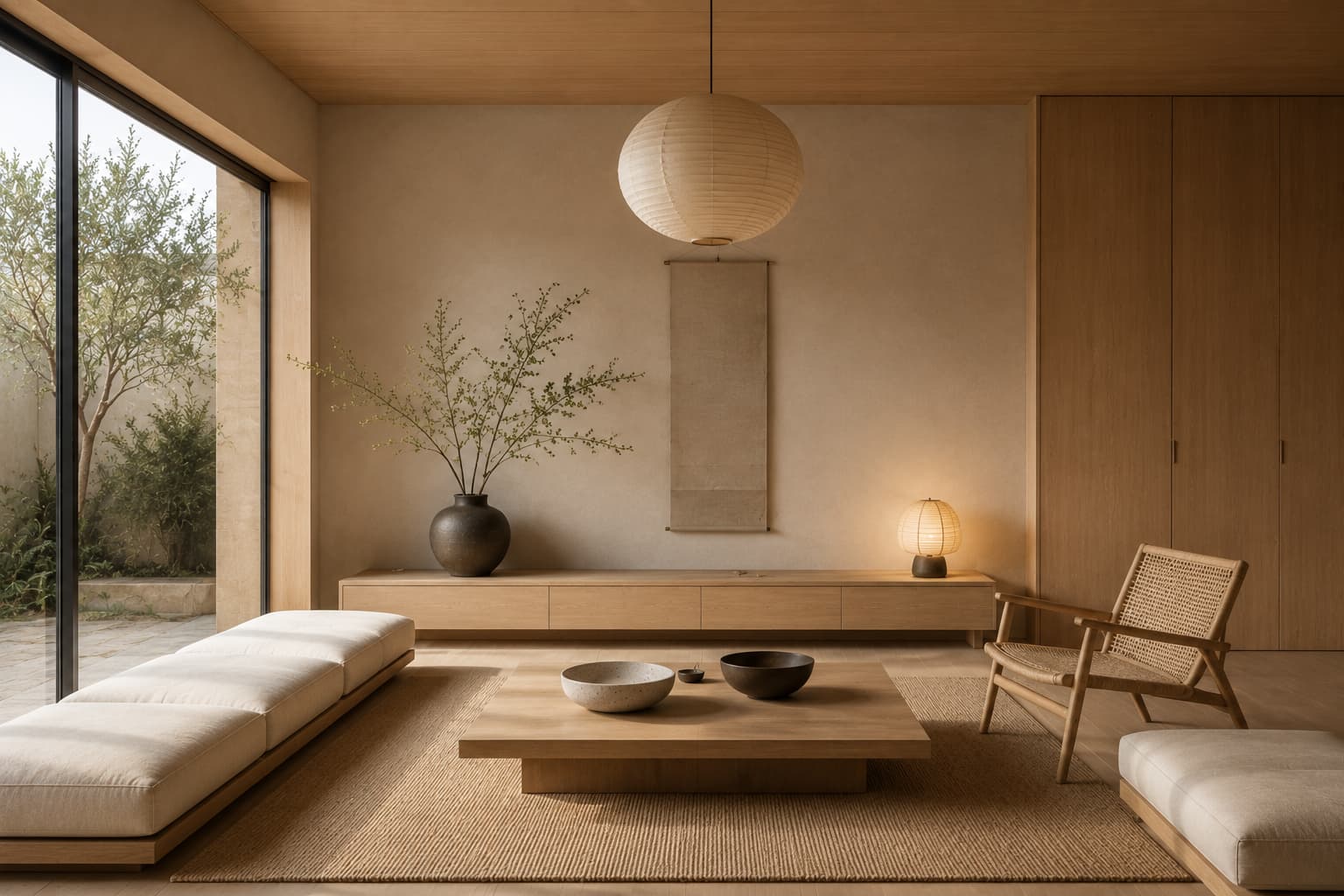
Low profile forms, pale woods, deliberate restraint
Style 3
Modern Classic
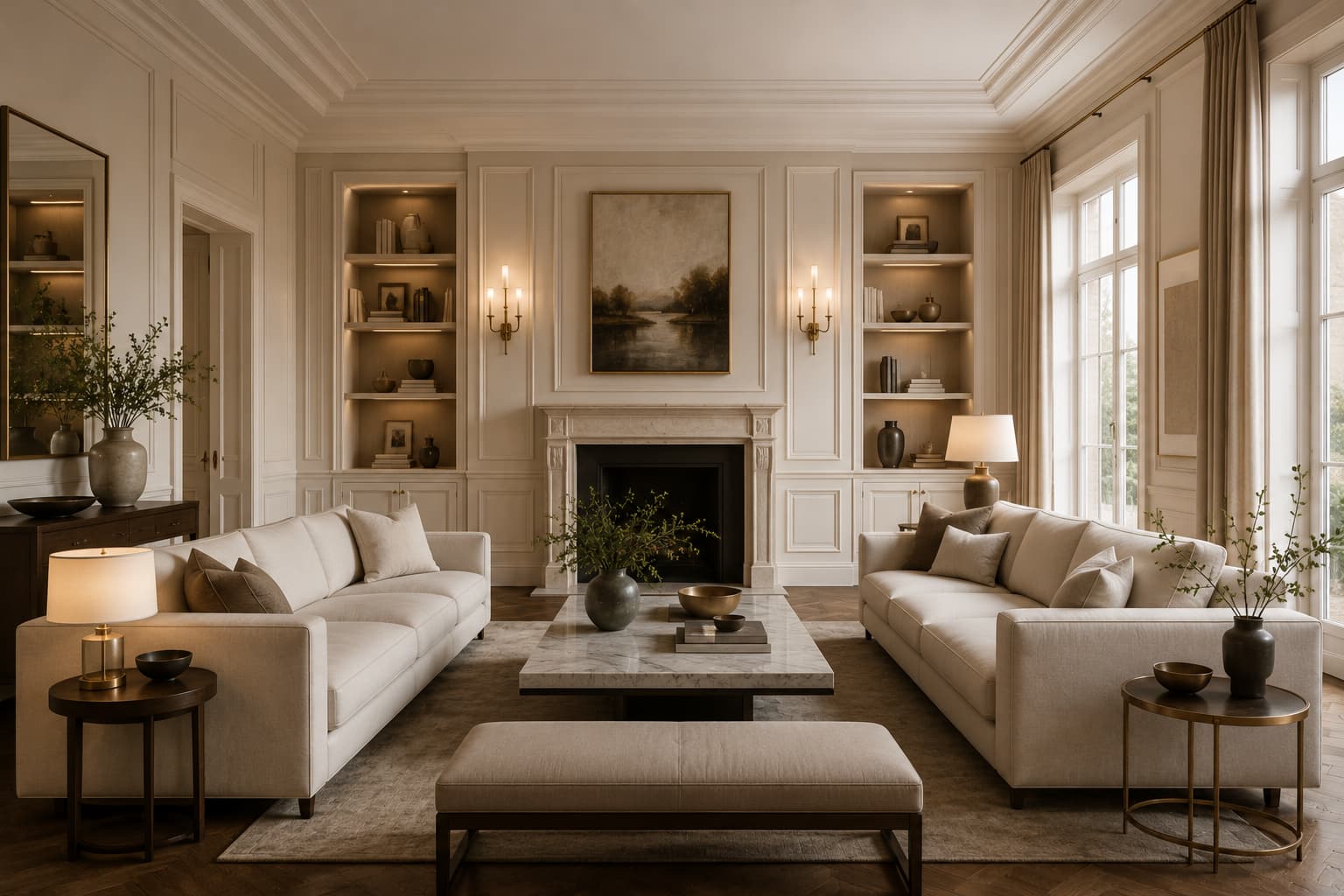
Structured symmetry with warmer materials
Style 4
Mediterranean
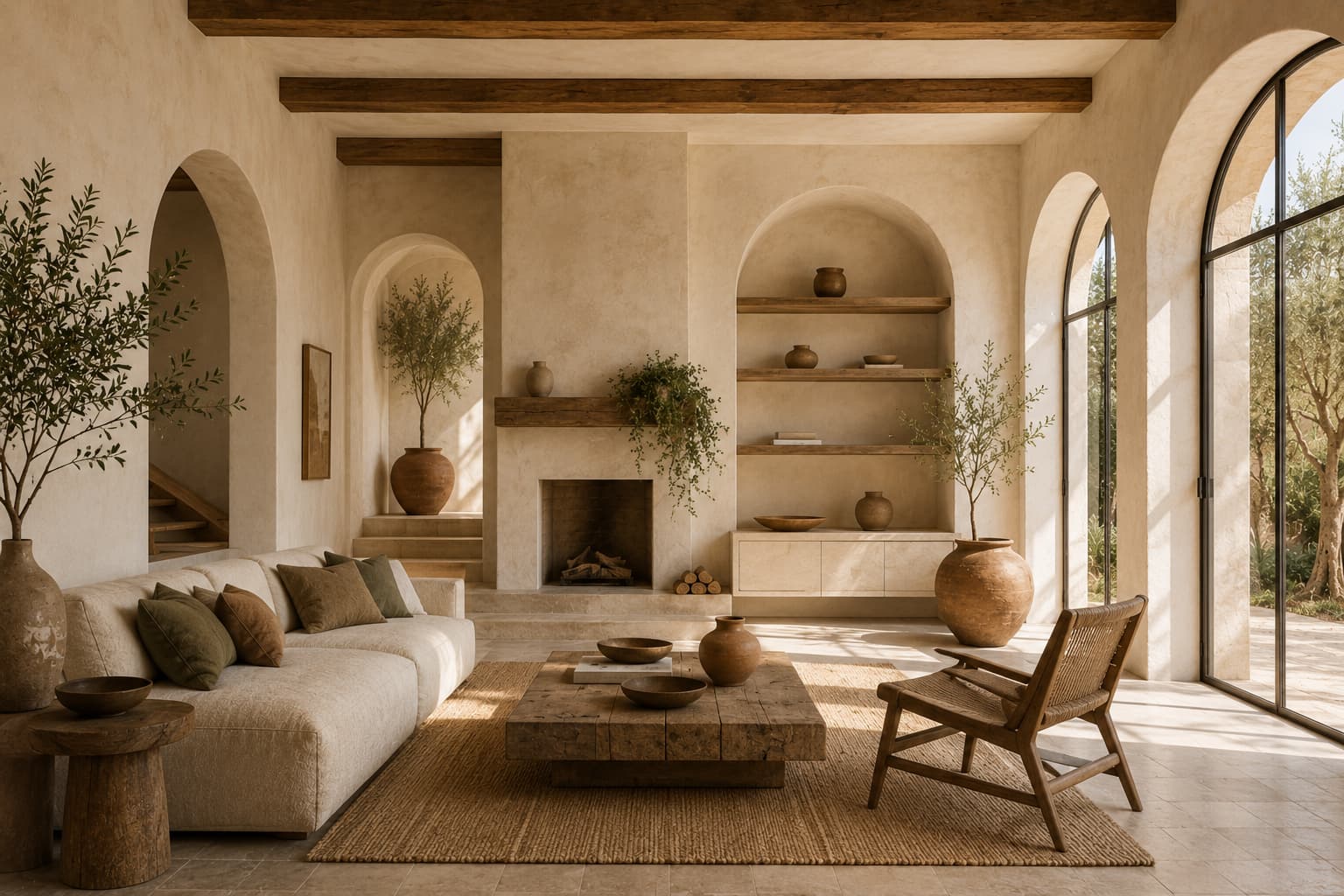
Plaster, olive, sun-worn texture, calmer geometry
Style 5
Industrial Softened
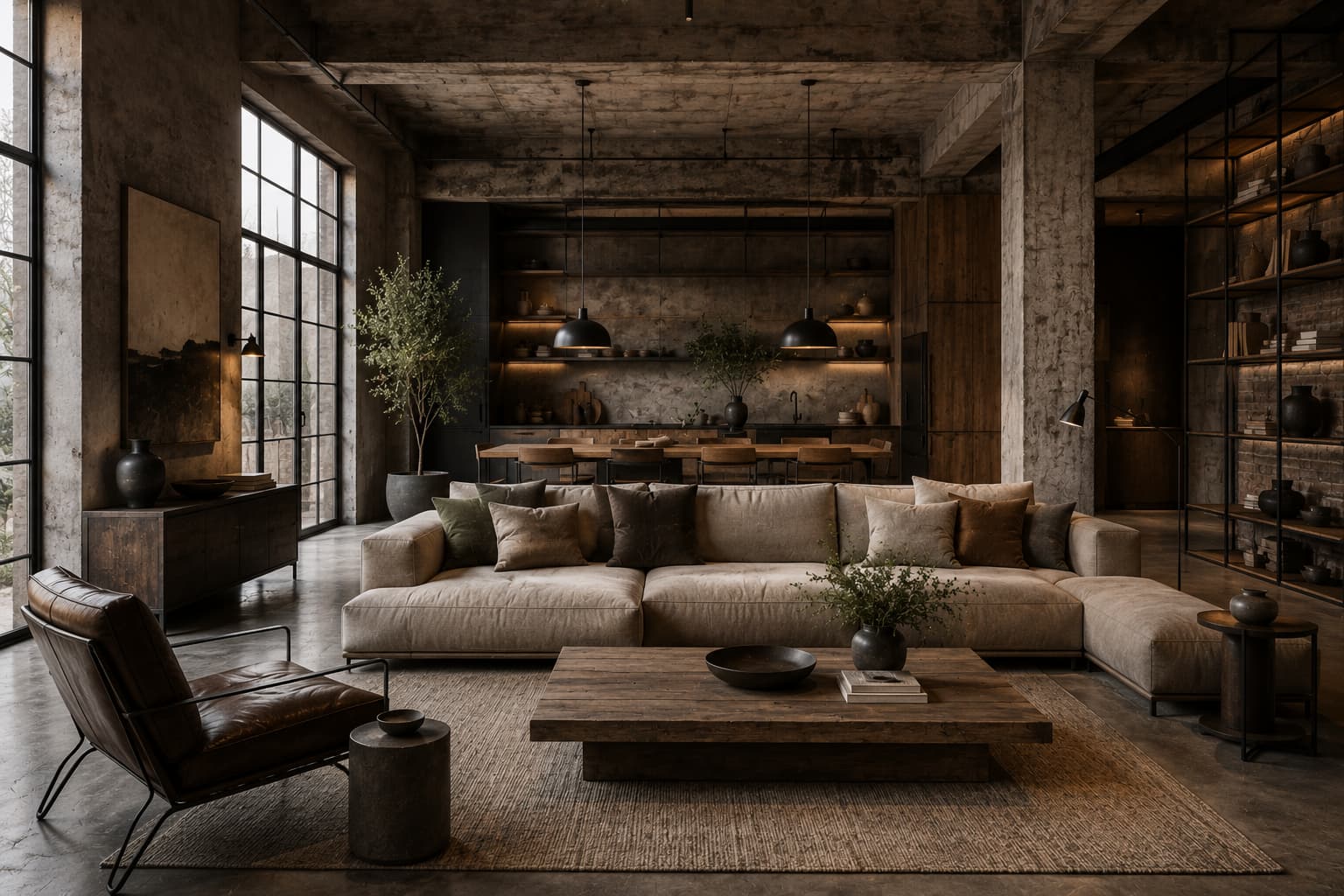
Concrete structure with textile warmth
Style 6
Gallery Minimal
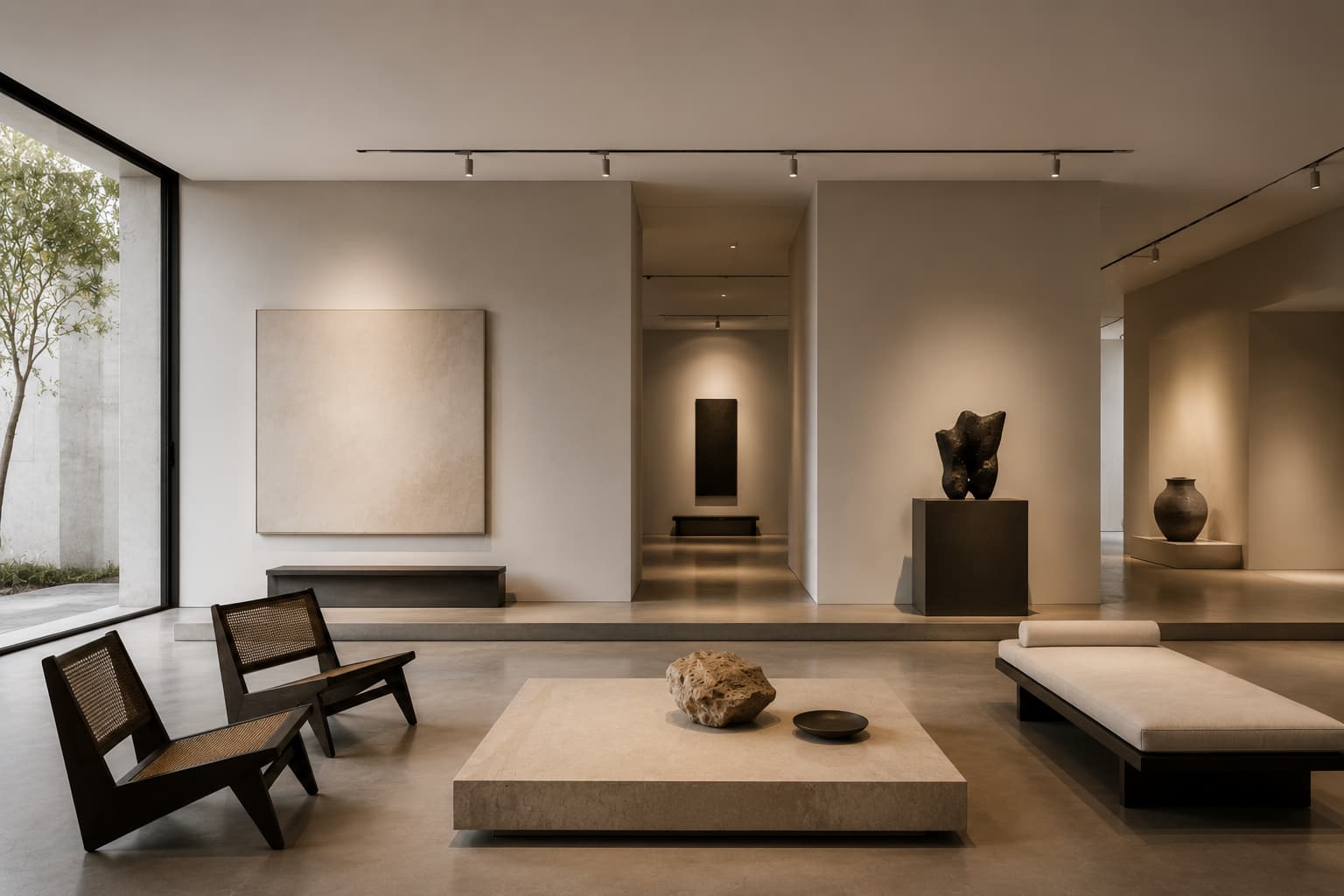
Negative space, precision lighting, sculptural calm
Who it serves
Mixed audience, one exacting standard.
Homeowners get confidence. Real estate teams get speed. Designers get sharper presentations.
Homeowners
Visualize before you commit
Compare ideas before spending on materials and furniture. See the space transformed before a single purchase.
Real estate teams
Stage listings at scale
Batch-generate staged rooms, auto-approve best outputs, and export client-ready packages — all from one workspace.
Interior designers
Present stronger concepts
Deliver polished visuals with fewer revision loops. Show clients exactly where the room is going on day one.
Property agencies
Consistent visuals, whole portfolio
Brand kits, export suites, API automation, and client review links — built for teams managing many listings.
Listing packages at scale.
Workspaces, batch generation, brand kits, export suites, client review links, and API automation — built for agencies and real estate teams.
Pricing
Clear plans, no visual noise.
Billed yearly — 2 months free on every paid plan.
Full pricing detailsFree
Try the workflow and see the first transformations.
- 2 free credits
- Personal playground
- Basic image generation
- No card required
Personal
For active designers and homeowners who need real output.
- 150 credits / month
- Quick Edit / Full Redesign
- Standard model access
- Personal use
Personal Pro
Maximum throughput with priority processing.
- 600 credits / month
- More outputs per generation
- Better model access
- Advanced controls
FAQ
Questions, answered plainly.
Final prompt
Begin with one room. Leave with a direction.
Personal or professional — one workflow, one exacting standard. Start free, scale when ready.